








How to prevent phone scams
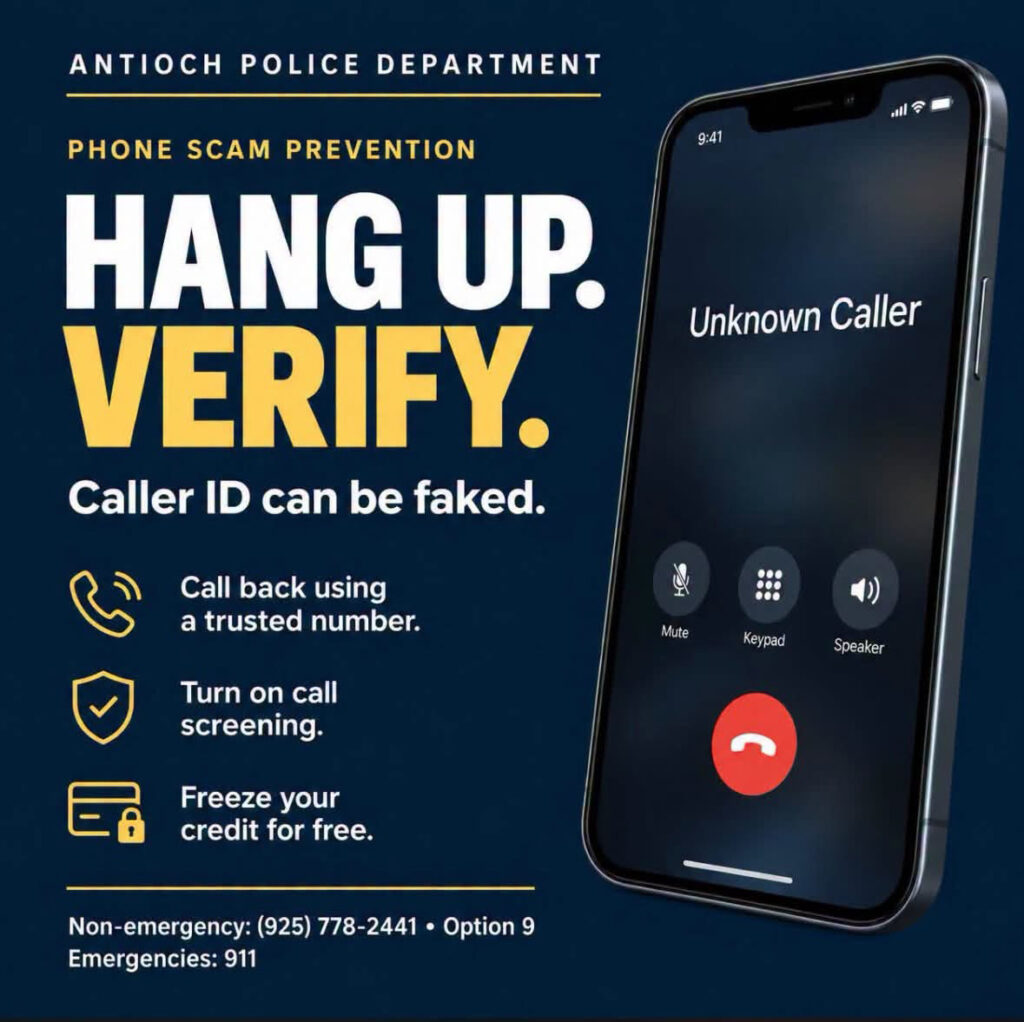
By Antioch Police Department
“I’m going to hang up and verify that.”
That’s a useful response when an unexpected caller pressures you for money or personal information.
Scammers can fake caller ID, use real officers’ names, and imitate a loved one’s voice. Knowing your name or address doesn’t make a caller legitimate.
The Antioch Police Department encourages residents to take these steps:
PAUSE BEFORE YOU PAY
• Hang up and contact the organization yourself. Use the number on your bank card, statement, or the agency’s official website—not a number supplied by the caller.
• Police will not demand gift cards or cryptocurrency to keep you from being arrested.
• Don’t transfer money to a “safe account” because a caller says your savings are at risk.
• Don’t share passwords or login verification codes, install an app, or give remote access to your device at an unexpected caller’s direction.
MAKE A FAMILY PLAN
Choose a private family code word for emergency calls. Keep it off social media. If someone claims a loved one needs money, contact that person independently—even if you recognize the voice. A code word adds protection; it doesn’t replace checking.
LET YOUR PHONE SCREEN CALLS
iPhone: Go to Settings → Apps → Phone → Screen Unknown Callers. Where available, choose Ask Reason for Calling so unfamiliar callers explain why they’re calling before your phone rings. Choose Silence to send those calls to voicemail. Older software may instead offer Silence Unknown Callers.
Android: Open the Phone app → menu → Settings:
• Google Pixel: Look for Spam and Call Screen or Call Screen, then configure automatic screening.
• Google Phone app on other supported phones: Open Caller ID & spam and enable caller/spam identification plus Filter spam calls, if available.
• Samsung Galaxy: Enable Caller ID and spam protection, then Block spam and scam calls, if available.
Features vary by phone, software, and carrier. Save important contacts and check voicemail—doctors, schools, and police may call from unfamiliar numbers. Screening helps, but it doesn’t prove a caller is trustworthy.
PROTECT YOUR CREDIT AND PERSONAL INFORMATION
• Freeze your credit for free separately with Equifax, Experian, and TransUnion. This helps prevent new credit accounts from being opened in your name. You can temporarily lift a freeze when needed. Instructions and bureau links.
• Check your credit reports at AnnualCreditReport.com.
• Secure your accounts with strong, unique passwords and two-factor authentication. Keep checking bank and card activity—a credit freeze doesn’t stop misuse of existing accounts.
Already paid or shared information? Act quickly. Contact your bank or payment provider and ask whether the transaction can be stopped or reversed. Save messages, voicemails, and receipts.
• Identity-theft recovery: IdentityTheft.gov
• Report scams: ReportFraud.ftc.gov
• Antioch Police non-emergency: 925-778-2441
• Emergencies: 911
These scams are designed to be convincing. Don’t let embarrassment keep you from asking for help.
Share this post—and help someone you care about set up their phone protections.
the attachments to this post:
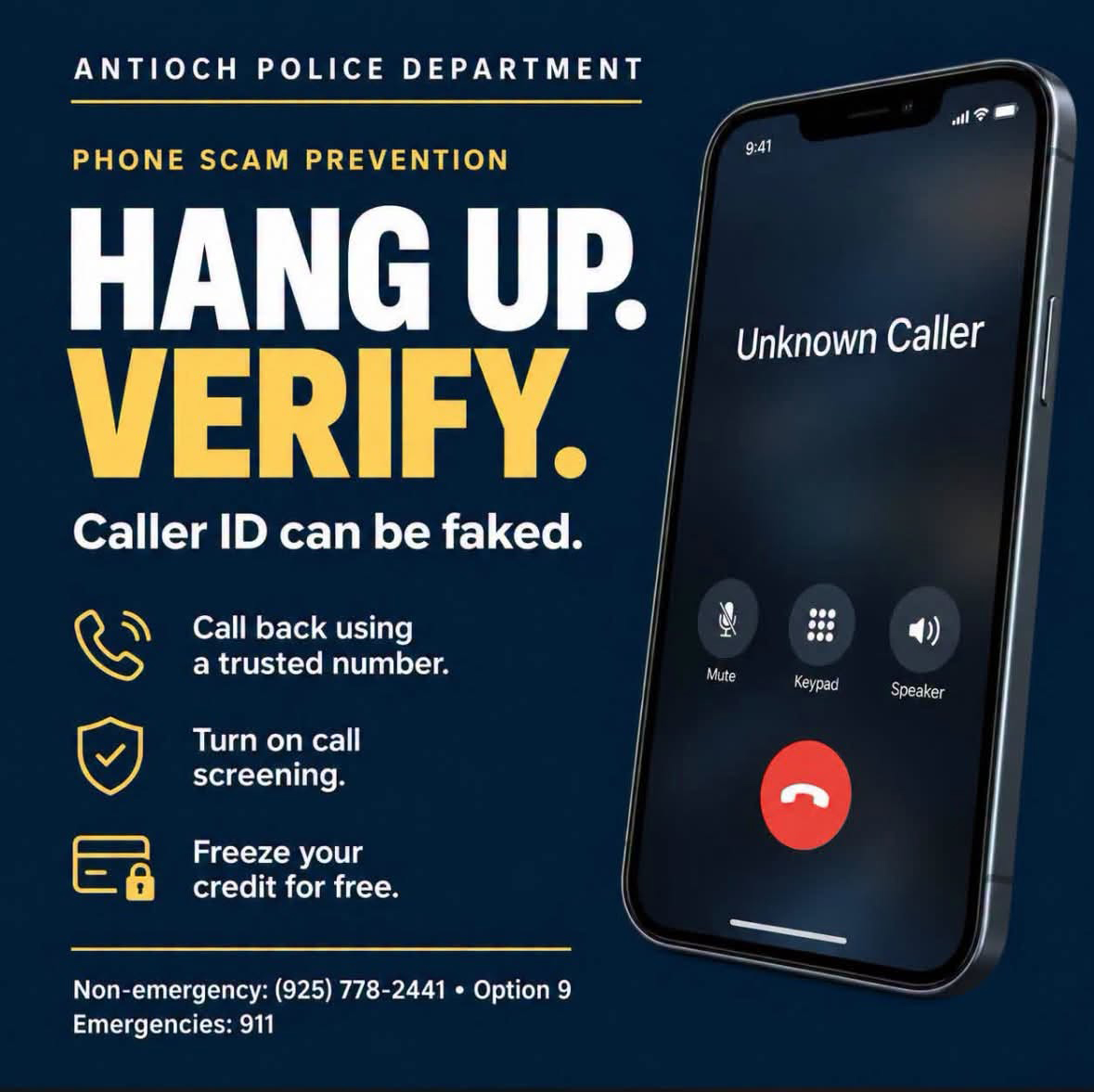
APD Phone Scams